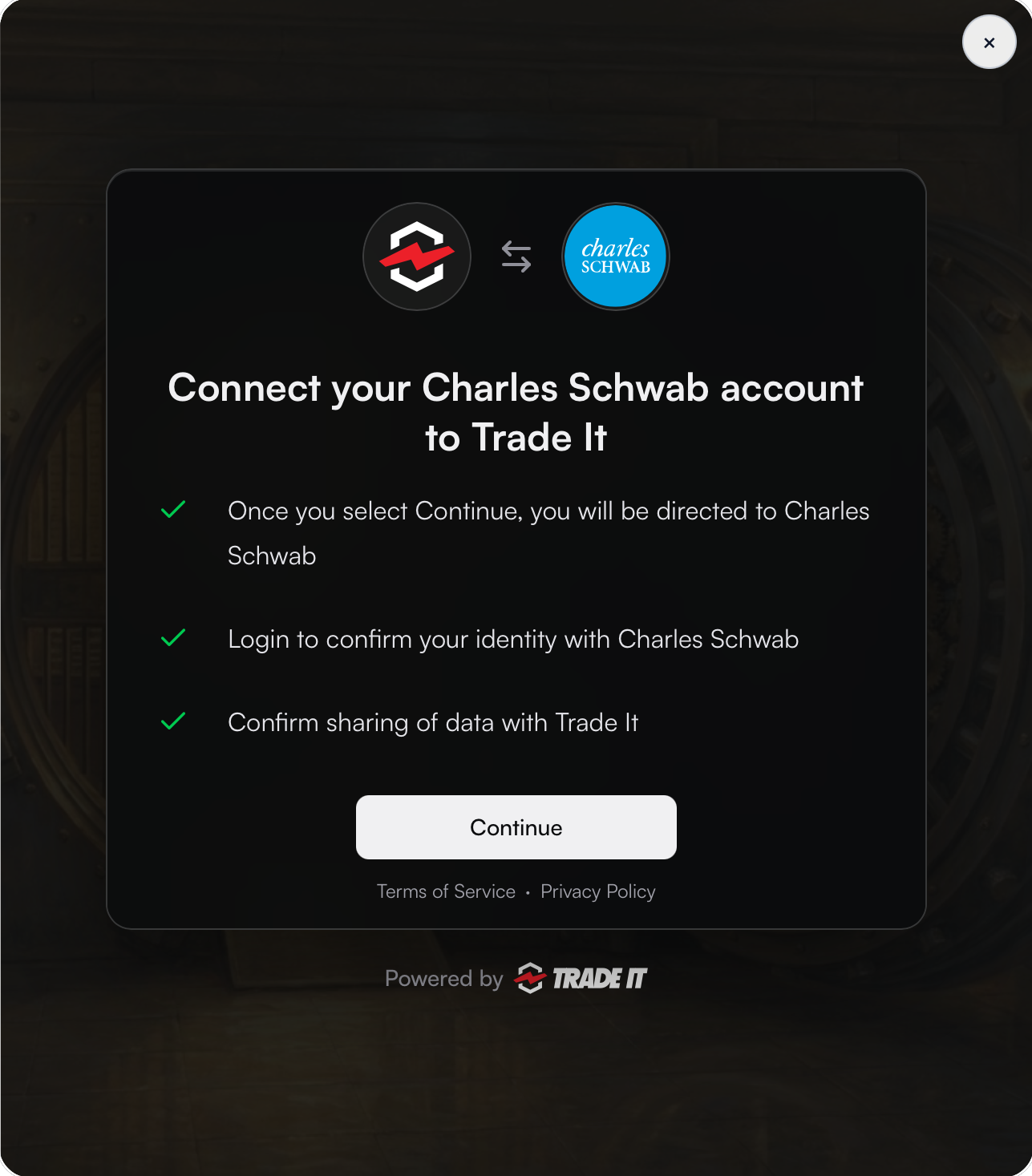
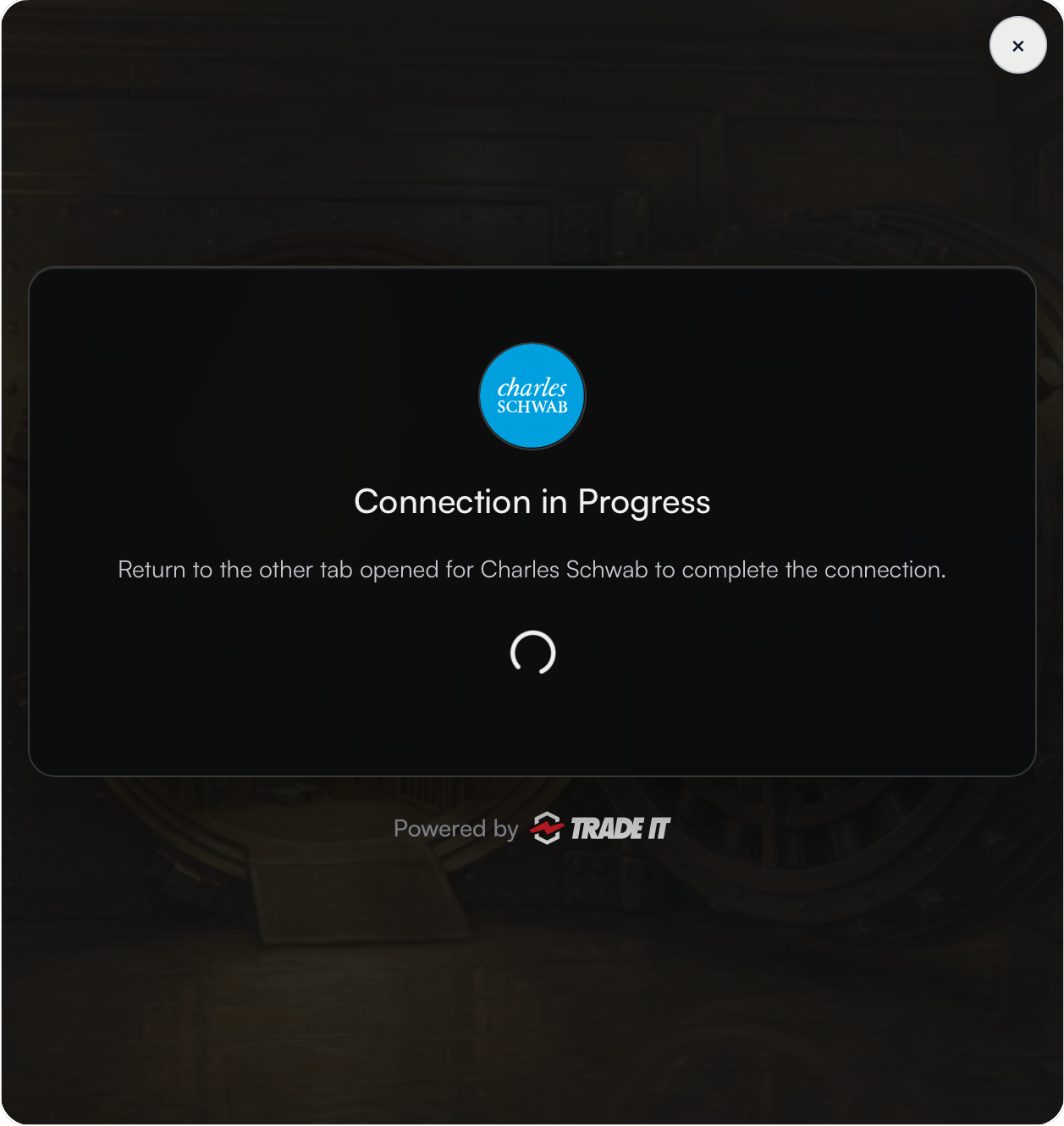
Connection mode
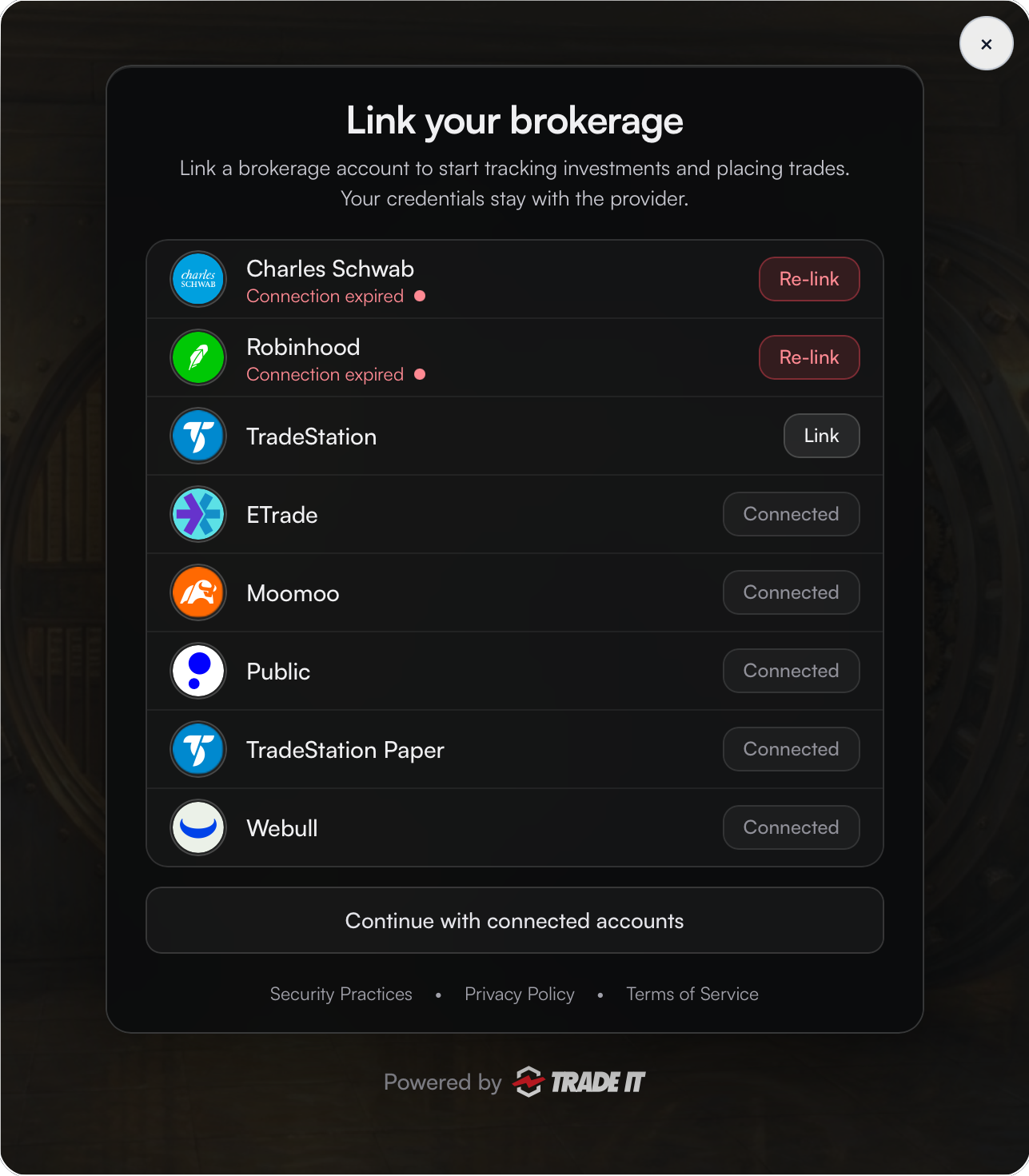
Open the Trade It Portal in Connection mode whenever a user wants to add or reconnect a brokerage. Their saved authorization takes them straight to brokerage selection.
This is the same portal used in Onboarding mode, configured with the user’s access token. The endpoint and SDK method stay the same.
Configure your request
Your backend · Use the saved authorization
Reuse your POST /api/tradeit/portal route. Load the signed-in user’s saved Trade It access token and refresh it if expired.
Send that token as Bearer authentication to select Connection mode. Omit oauth_options; use connect_options to customize brokerage selection.
Onboard each user once
If the user has not authorized your app, start in Onboarding mode and save their access and refresh tokens. Connection mode reuses that authorization, so there is no new Trade It sign-in, consent screen, or authorization-code exchange.
Keep tokens on your server
Require your platform’s authenticated session and CSRF protection. Return only the portal URL to the browser. Connection mode accepts any valid Bearer token with brokerage:write permission, including OAuth access tokens, direct sign-in tokens, and API keys.