

Discord Bot
Account Setup
Three things matter: link Discord, connect a brokerage, then trade.
Link Discord
- In Discord, run
/login. - Open the Trade It link.
- Sign in if prompted.
- Click Continue with Discord.
- Go back to Discord.
Connect A Brokerage
Run:
/connect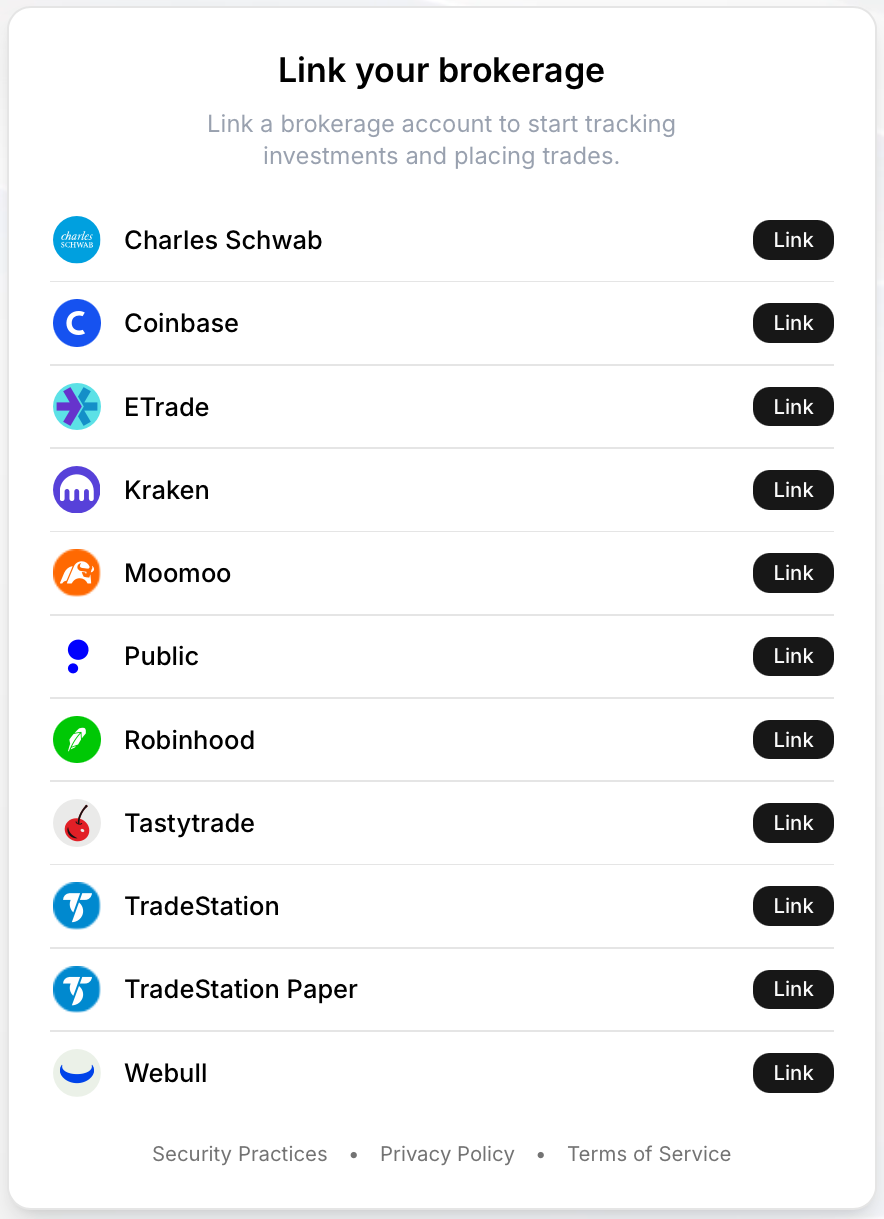
Choose your brokerage, finish the connection flow, then return to Discord and run:
/accountsto view your connected brokerage accounts and their balance/buying power.
Manage Account
Open Linked Accounts from the Trade It menu to see connected identities and linked providers.
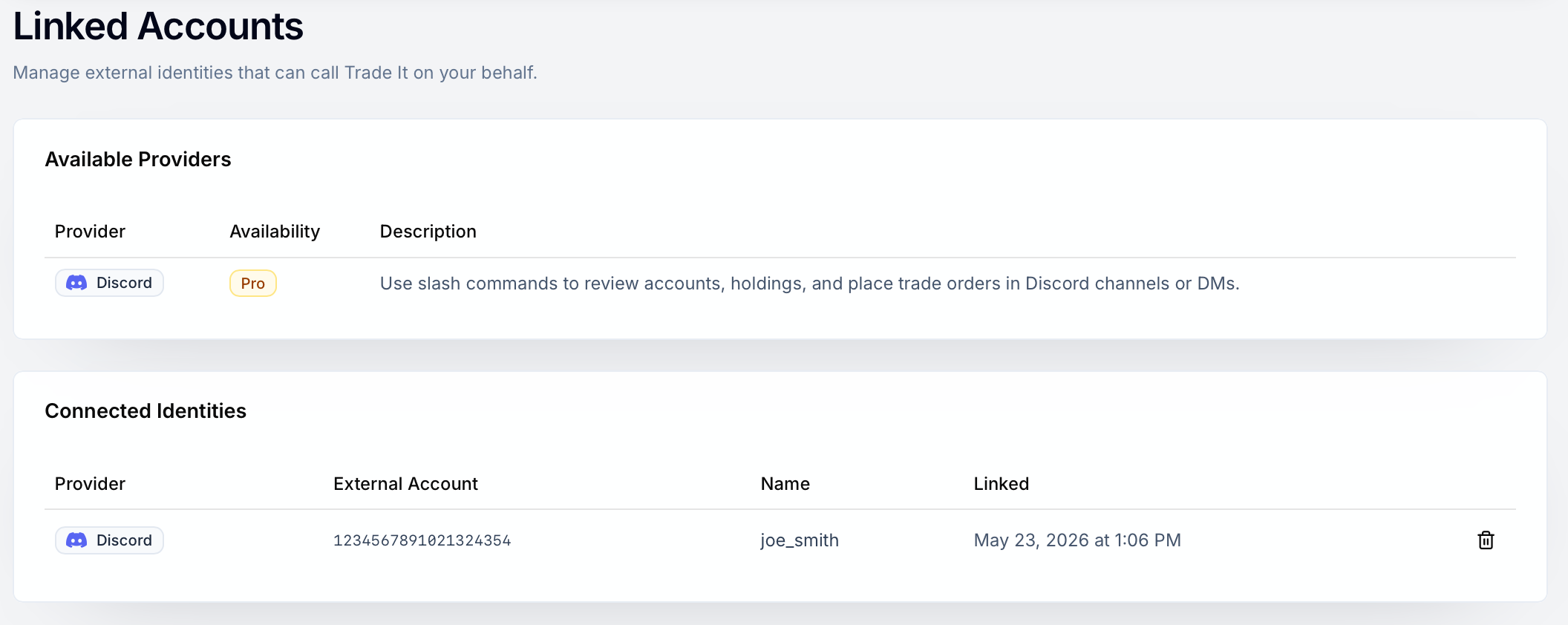
Disconnect
Run /logout in Discord to open the Linked Accounts page with the Discord disconnect dialog already open.
Quick Fixes
| Problem | Fix |
|---|---|
| Bot says your account is not linked | Run /login again and finish the link flow. |
| Discord identity is already linked | Sign into the Trade It account that owns that Discord identity, then disconnect it. |
| No brokerage accounts show up | Run /connect and finish a brokerage connection. |
When in doubt, /help is the fastest reset button.