Platform Integration
Connect your users’ brokerages to your app. Read accounts, holdings, and trade history, then let users review and approve trades from your product.
Embed the Trade It Portal with two modes: Onboarding for a user’s first visit, then Connection whenever they need to add or reconnect a brokerage. Users own their brokerage connections and delegate access to your app.
Build with the AI Skill
Install the Trade It Skill in your project:
npx skills add trade-it-inc/skillsThen give your AI coding client this prompt:
Use the $trade-it-skill to integrate Trade It into this platform.
Read https://docs.tradeit.app/sdk and its linked guides first.

Use our existing framework, authentication, and database.

Use POST /api/portal with Basic client credentials for the first visit:
put redirect_uri, state, PKCE, and optional email_hint in oauth_options.
This opens the Trade It Portal in Onboarding mode: an access overview, sign-in,
and brokerage connection in one modal. Supply email_hint to start OTP,
or omit it to offer social and email sign-in.
Set up server-side PKCE/state validation, the onAuthorization code
exchange, and per-user token storage and refresh.
For subsequent connections, call the same endpoint with the user’s saved
Bearer access token and omit oauth_options. Refresh expired tokens first.
Use connect_options to customize the portal in either mode.
Keep the client secret and OAuth tokens on the server.

Add an account selector and holdings for the selected account.
Add trade history using the REST API.
Use @trade-it/react for the trade review modal.
Require explicit user approval before placing any live trade.

Tell me which callback URL to register and which environment variables to
set. I will supply credentials through the environment, not this chat.
Verify OTP, code exchange, refresh, and reconnect paths.
1. Create your organization and get credentials
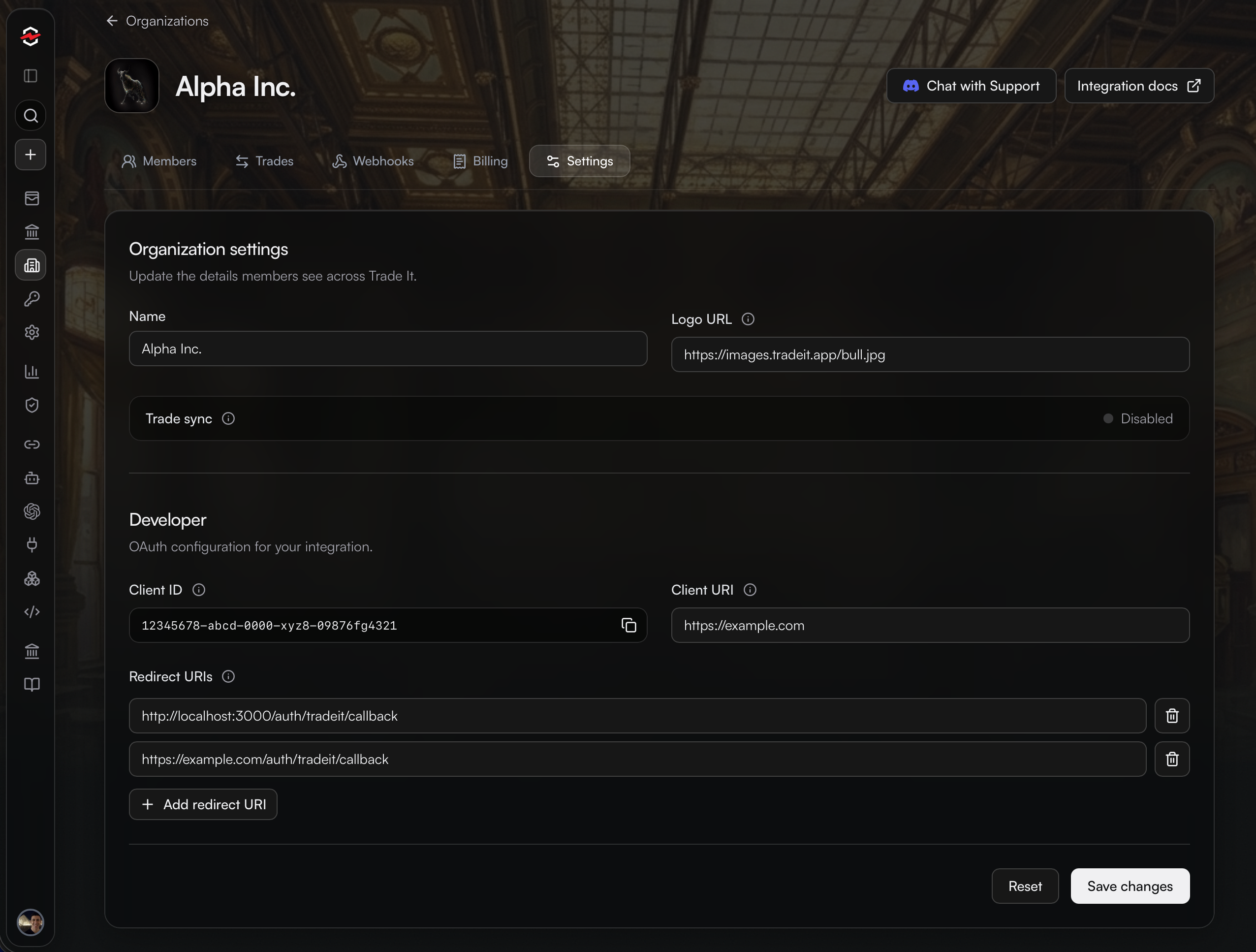
- Sign in to Trade It and open Organizations. Create your organization with a name, logo URL, and website.
- Register a redirect URI for each environment. For Onboarding mode, its origin must match the website opening it.
- Complete checkout and save your Client ID and Client Secret on your server. The secret is shown only once.
2. Integrate the Trade It Portal
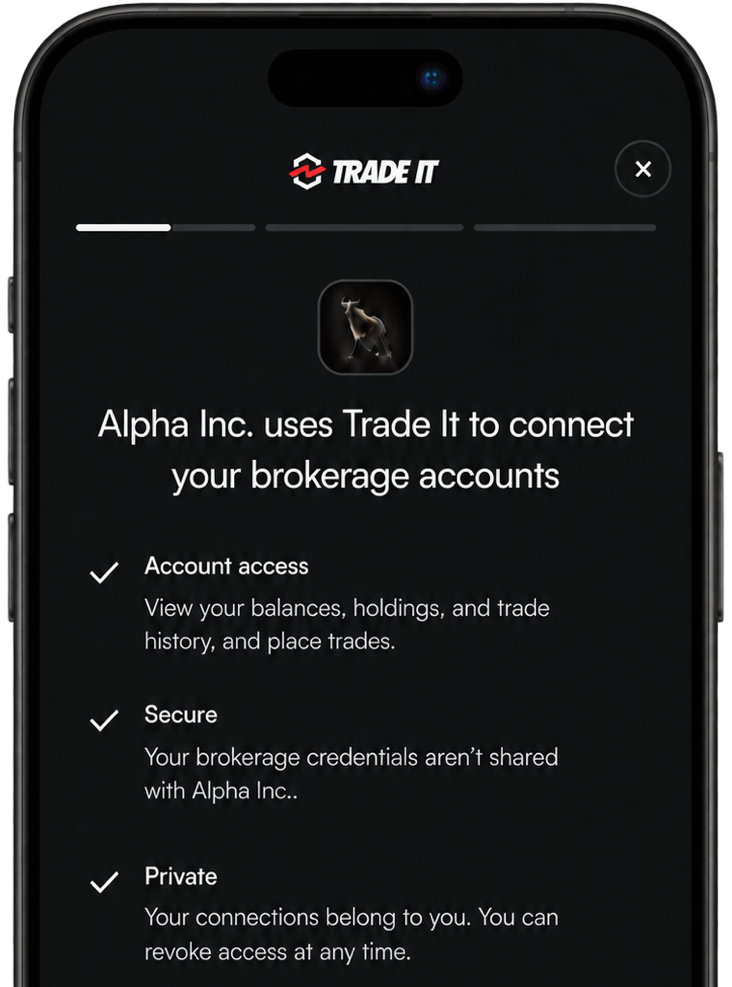
The Trade It portal is a drop-in modal that explains your app’s access, signs the user in, and connects their first brokerage. Start by hosting the portal in Onboarding mode.
Tokens
The portal emits an access and refresh token for each user. Save these and use them to interact with the user's brokerage data.
Prefer a custom sign-in experience?
The OAuth guide explains how to use redirects and handle authorization in your own onboarding flow.
3. Build the experience
That's it! Once users are connected, you're ready to interact with their accounts!
Use these guides to understand each capability:
| Guide | What you will build |
|---|---|
| Read accounts | Show the user’s accounts and let them choose one. |
| Read holdings | Display positions for the selected account. |
| Read trade history | Fetch the user’s recent trades. |
| Place trades | Use the React trade modal or submit user-approved orders through your server. |
| Webhooks | Receive account, connection, and trade updates. |
Refer to API for sample requests/responses.
4. Manage subsequent connections
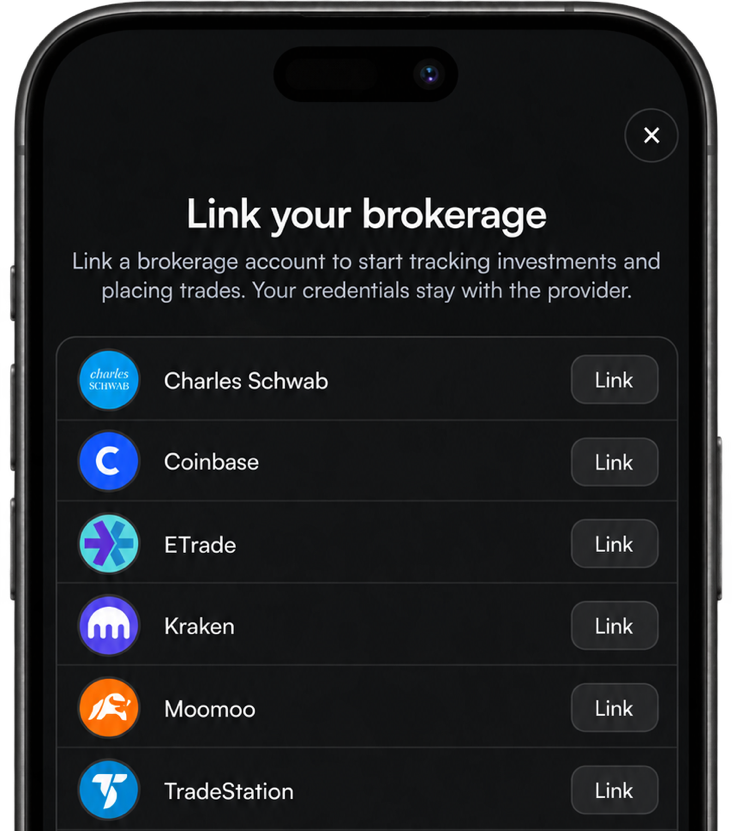
When a user wants to add or reconnect a brokerage, use the portal in Connection mode.
The user goes straight to brokerage connection, without signing in or approving access again.
| Mode | Authorization header | Experience |
|---|---|---|
| Onboarding · First visit | Basic client credentials | Sign in, authorize, connect |
| Connection · Later visits | Bearer user access token | Connect directly |
For integration help, contact us.